
How Does QR Code Ordering Work in a Restaurant?
Learn how QR code ordering works in restaurants, from scan to digital menu, modifiers, table context, waiter calls, payment flow and live order updates.
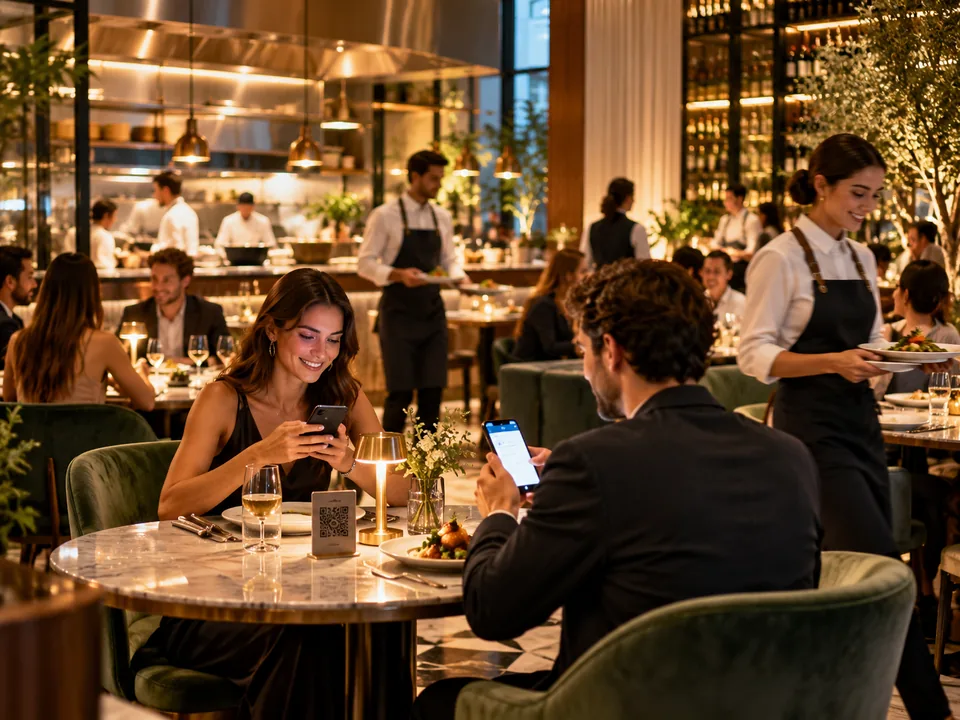
QR code ordering for restaurants usually starts with a simple action: a guest scans a QR code placed on the table. What happens next is what makes the experience useful or frustrating. In a well-designed setup, the QR code opens a mobile-friendly menu, identifies the table or service context, lets guests browse categories, choose modifiers, add items to a cart and submit an order directly from the phone.
At a surface level this can look like a digital replacement for a printed menu, but a proper restaurant QR ordering system goes further. It connects the guest-facing menu with real service actions such as order routing, waiter calls, bill requests and live status updates. That is why restaurants often think not only about QR menus, but about the full QR menu and table ordering system.
Step 1: The guest scans the QR code
The process usually begins with a QR code printed on a table stand, sticker or menu card. Each code can open the same menu for all guests, or it can carry table-specific information. If the setup includes table mapping, the system already knows where the guest is sitting. This is important because it removes the need to manually explain the table number later.
For the guest, the key advantage is speed. They open the experience in the browser without installing another app.
Step 2: The phone opens a digital menu
Once the QR code is scanned, the guest lands on a mobile menu designed for browsing. Categories, subcategories, item photos, descriptions, prices, allergens and dietary notes can all be presented in a cleaner format than most printed menus can handle. This is one of the reasons digital menu ordering has become attractive to restaurants that want better menu flexibility.
The menu should load quickly, work comfortably on mobile screens and make it easy to move between sections without losing context.
Step 3: Guests customize items before ordering
Ordering does not stop at selecting an item. A useful QR table ordering flow also supports item customization. Guests may need to choose size, add toppings, remove ingredients or select side options. In some restaurants this can be simple. In others it becomes central to the ordering experience.
The goal is not to overload people with choices. It is to present the relevant options clearly, so the restaurant receives a more accurate order.
Step 4: The system keeps the table context
One of the most practical benefits of order from table technology is context. If the QR code is tied to a specific table, the order can reach staff with the table already attached. In more advanced setups the order may also be connected to a seat, guest session or service area.
This reduces small but frequent errors. Staff do not have to manually match every order to a table, and guests do not have to repeat where they are sitting.
Step 5: The guest sends the order
After adding items to the cart, the guest reviews quantities, item options and notes, then sends the order. Some restaurants allow the guest to keep adding more items later under the same open order. Others treat every send as a new submission but still group them under one service session.
At this point the experience begins to affect service operations, not just menu presentation.
What happens on the restaurant side?
When the guest sends the order, the restaurant team should receive it in a structured way. Depending on the setup, staff may see the table, seat, item details, modifiers, order time and status history. A good restaurant QR ordering system is not only easy for guests. It also makes the order clearer for the team receiving it.
Restaurants often combine this with notifications for new orders and guest messages so that staff can respond faster.
Can guests call a waiter or request the bill too?
Yes. In many restaurant workflows, QR ordering is only part of the journey. Guests may also use the same experience to call a waiter, ask for assistance or request the bill. This is where a QR code ordering for restaurants solution becomes more than a menu. It becomes a table-service interface.
If these actions are connected to the same table context, they are easier for staff to route and act on.
Does QR ordering replace waiters?
No. It changes how guests start certain interactions. Instead of waiting for a printed menu, asking for basic information or trying to catch a server at the right moment, guests can begin the process themselves. Staff remain essential for hospitality, service quality, upselling, problem solving and human interaction.
The best systems support the team rather than trying to remove the team from the experience.
Why restaurants use QR ordering
- Faster first interaction: guests can start browsing immediately after sitting down.
- Better menu flexibility: items, prices and descriptions can be updated without reprinting menus.
- Improved order clarity: modifiers and table context reduce mistakes.
- Support for multiple languages: guests can browse the same structure in their preferred language.
- Additional service actions: waiter calls and bill requests can be handled from the same interface.
What should a restaurant look for?
If a restaurant is evaluating QR code ordering for restaurants, it should look beyond the QR itself. The important questions are whether the menu is mobile-friendly, whether the system supports real table workflow, whether modifiers are handled properly, whether the guest can continue ordering later, and whether staff receive orders in a practical format.
Restaurants also need to think about the guest experience. A digital path should feel clear and helpful, not confusing or overcomplicated.
How QRNeto approaches restaurant QR ordering
QRNeto Restaurants is built around the idea that a scan should lead to action. The restaurant module can combine multilingual QR menus, table ordering, item modifiers, waiter calls, bill requests and order status in one browser-based experience. That makes it more than a menu link and closer to a full QR menu and table ordering system for restaurants.
If you want to compare digital and traditional formats, read QR Menu vs Printed Menu. To understand the broader setup, you can also revisit What Is a QR Menu and Table Ordering System?.
Key takeaway
QR code ordering for restaurants works when a simple scan opens a well-structured mobile experience that is connected to the restaurant's real service flow. The QR code is only the entry point. The real value comes from menu clarity, table context, accurate ordering and smoother communication between guests and staff.